The new HubSpot updates from April 2024
 Carsten huiskamp
Discover how adding beta features to your HubSpot account can take your business to the next level!

New product updates from HubSpot
With the start of April, it is once again time for an update on the newest HubSpot Betas released over the past month. Curious what you can expect from these updates? I am happy to give you a short explanation!
Updates in this blog:
-
Connecting WhatsApp to Help Desk
- Preview and test send filters for multiple objects
- Refreshed main menu
- Marketing Home
- Improved file properties experience in the CRM
- AI assistant for Facebook ad sets
- Global search with keyboard shortcuts
- New abandoned cart module for Shopify Data Sync
- Migrating from Shopify (legacy) to the Shopify Data Sync integration
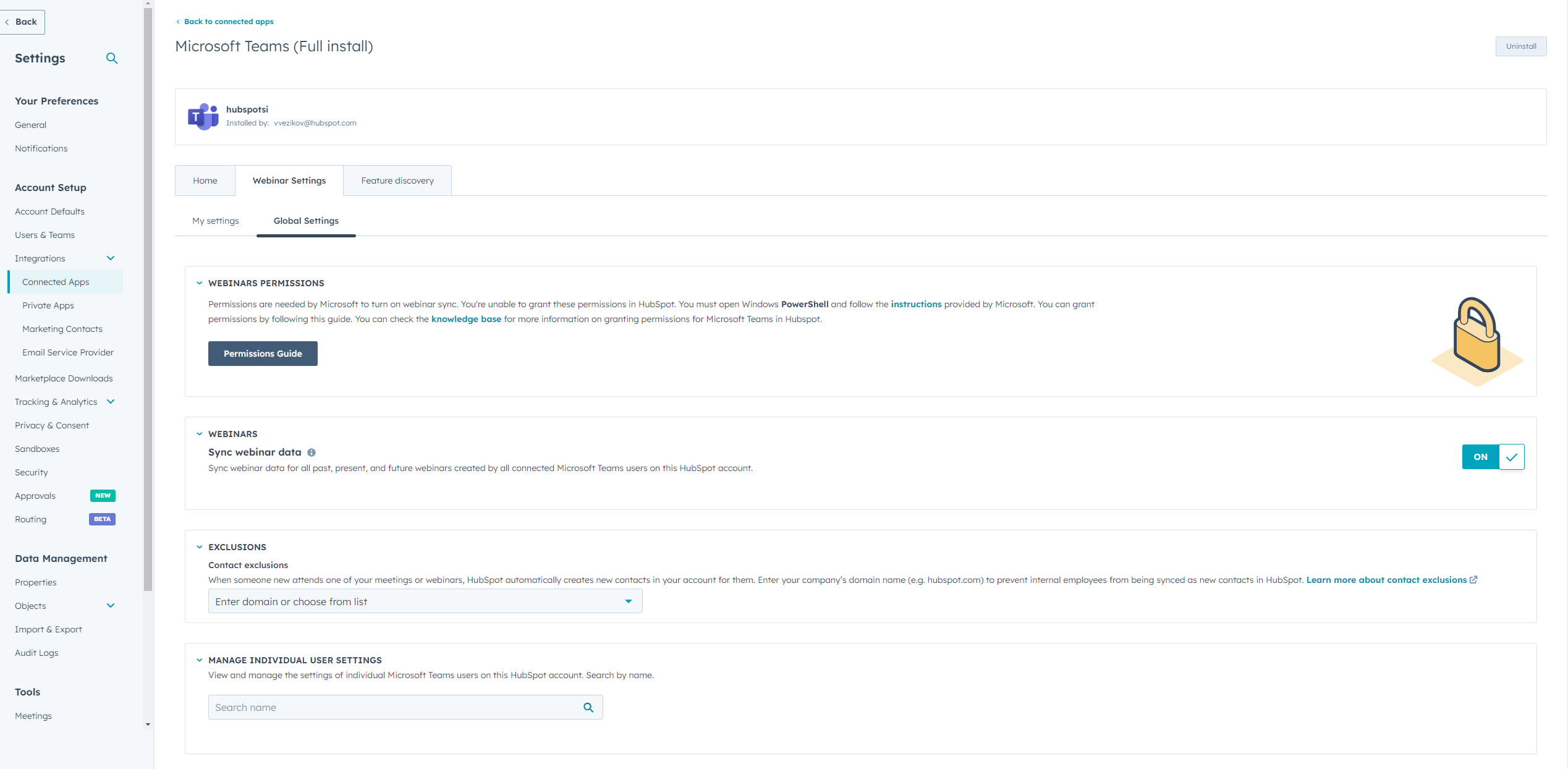
Syncing Microsoft Teams webinars with HubSpot Marketing Events
HubSpot has released the ability to sync Microsoft Teams webinars with HubSpot. With this integration you can now, among other things:
- Sync webinar data such as event name, date, start time, end time, organiser, status and description to HubSpot Marketing Events.
- Sync data on webinar activity, such as registrations, attendees, cancellations, no-shows and time spent attending, and then display this activity on contact pages.
- Create new contact records for registrants who are not yet in HubSpot.
Why this matters
If you host webinars on Microsoft Teams, you previously had no straightforward way to import webinar data into HubSpot, which made it difficult to analyse event performance and contact engagement.
Deleting form submissions
Users with the right permissions can now delete form submissions.
Super admins get these permissions immediately. All other users who want to delete form submissions must contact their super admins to obtain the necessary permissions.
Why this matters
While building and testing forms, test submissions are often sent to check that the forms work correctly. As a result, form submissions with 'incorrect' data sometimes come in, and previously there was no straightforward way to delete these submissions. This beta changes that!
Connecting WhatsApp to Help Desk
WhatsApp is now available as a channel for Help Desk, HubSpot's new workspace for ticket management, purpose built for your support team to deliver efficient and empathetic customer service.
With this integration, companies can now communicate seamlessly with their customers via WhatsApp, making it easier to provide direct support and answer questions. This is a great update for companies aiming for an omnichannel customer service experience, where customers can choose how they want to get in touch.
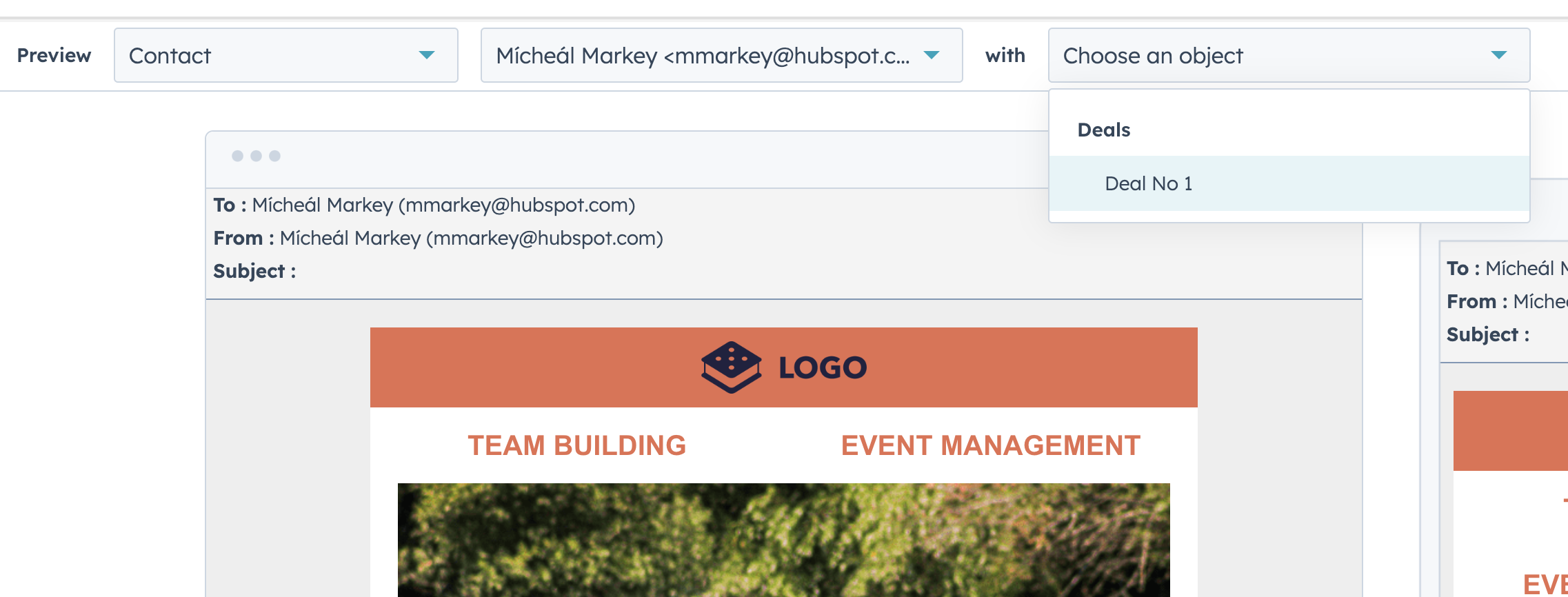
Preview and test send filters for multiple objects
Previewing personalised tokens in a marketing email is crucial to guarantee accuracy and relevance.
Why this matters
By verifying the recipient's data and other personalised object information in your email, you as a user can more easily spot errors, test how the received email looks and thereby prevent mistakes.
Refreshed main menu
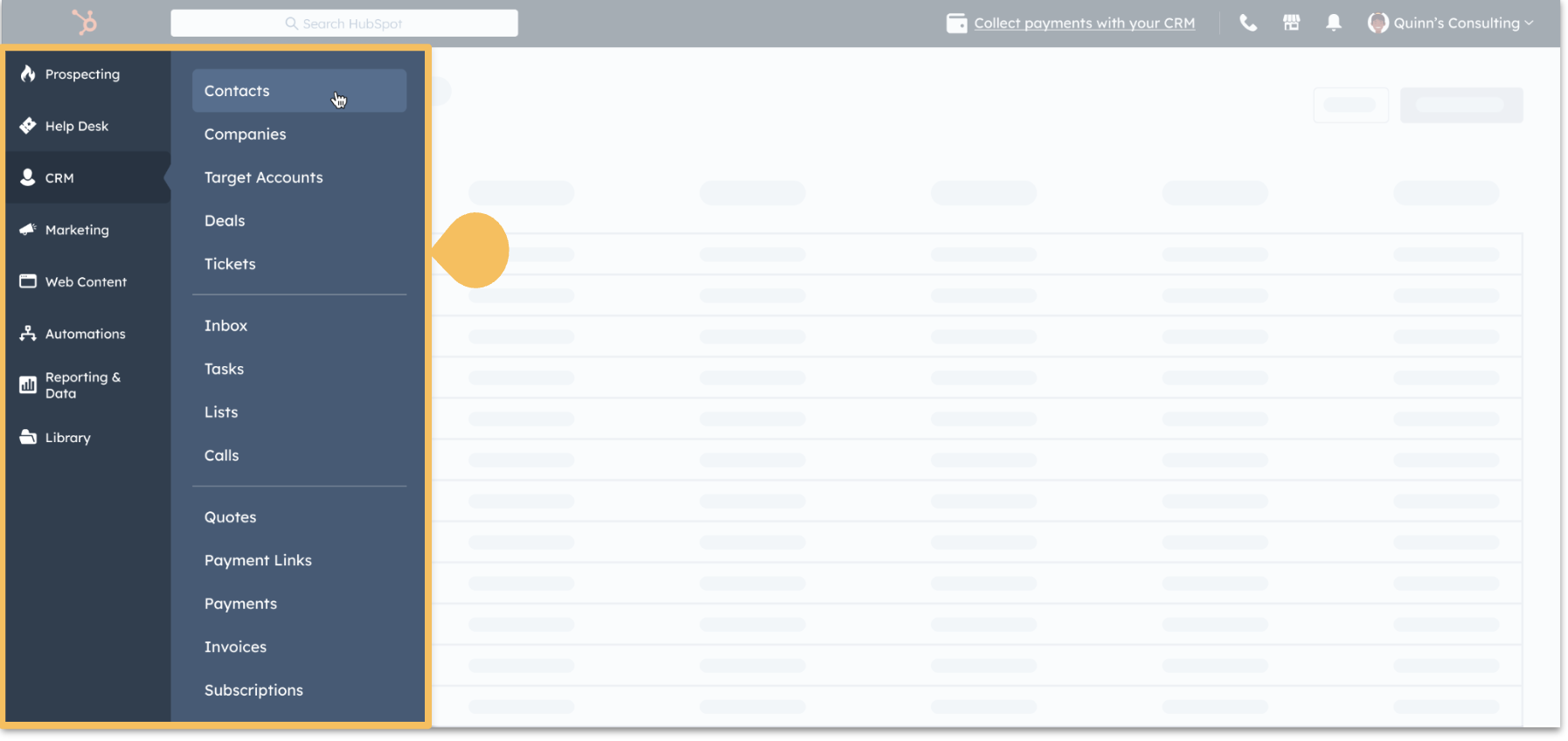
You may have already seen the option go by, but HubSpot released a redesign of the general menu a while ago. When you opt in to the beta programme, you will see a vertical navigation with the new menu structure on the left side of your screen, instead of a dropdown that appeared under the old menu.
Marketing Home
Meanwhile, Marketing Home has also received a new beta.
The Marketing tab has been given a new layout here, giving marketers easier access to all their essential tools and data within HubSpot.

Improved file properties experience in the CRM
With this beta it has become possible to create custom file properties within HubSpot. These properties can then be used in forms where visitors upload their file as part of their submission.
Why this matters
This beta makes file management within HubSpot easier to organise. A few examples of how this can be used:
- Require that a purchase agreement be linked to every new deal created with the form Create deal.
- Require a file property based on the value of another property using Conditional Property Logic.
- Require that a contract be uploaded to a file property when Deal Stage = Closed Won.
- Upload a CV to a contact record and determine which users have access to this document using field level permissions.
AI assistant for Facebook ad sets
HubSpot users can now use the AI Assistant in Facebook ad sets to write ad copy using simple prompts.
Coming up with this copy is often a time consuming part of setting up an effective marketing campaign, but with this beta you can easily write, rewrite, shorten and even adjust the tone of your copy using a simple prompt.
Global search with keyboard shortcuts
Perhaps the smallest update, but a very handy one. With this beta a keyboard shortcut has been added that lets you easily search within your current HubSpot account.
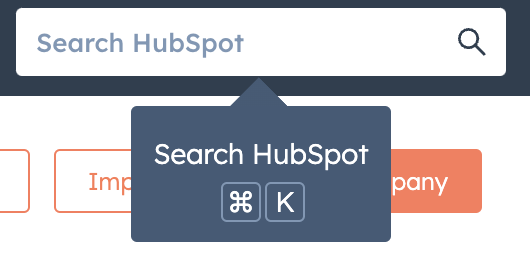
You can activate this search function using the combination Cmd+K (Mac) or Ctrl+K (Windows/PC).
New abandoned cart module for Shopify Data Sync
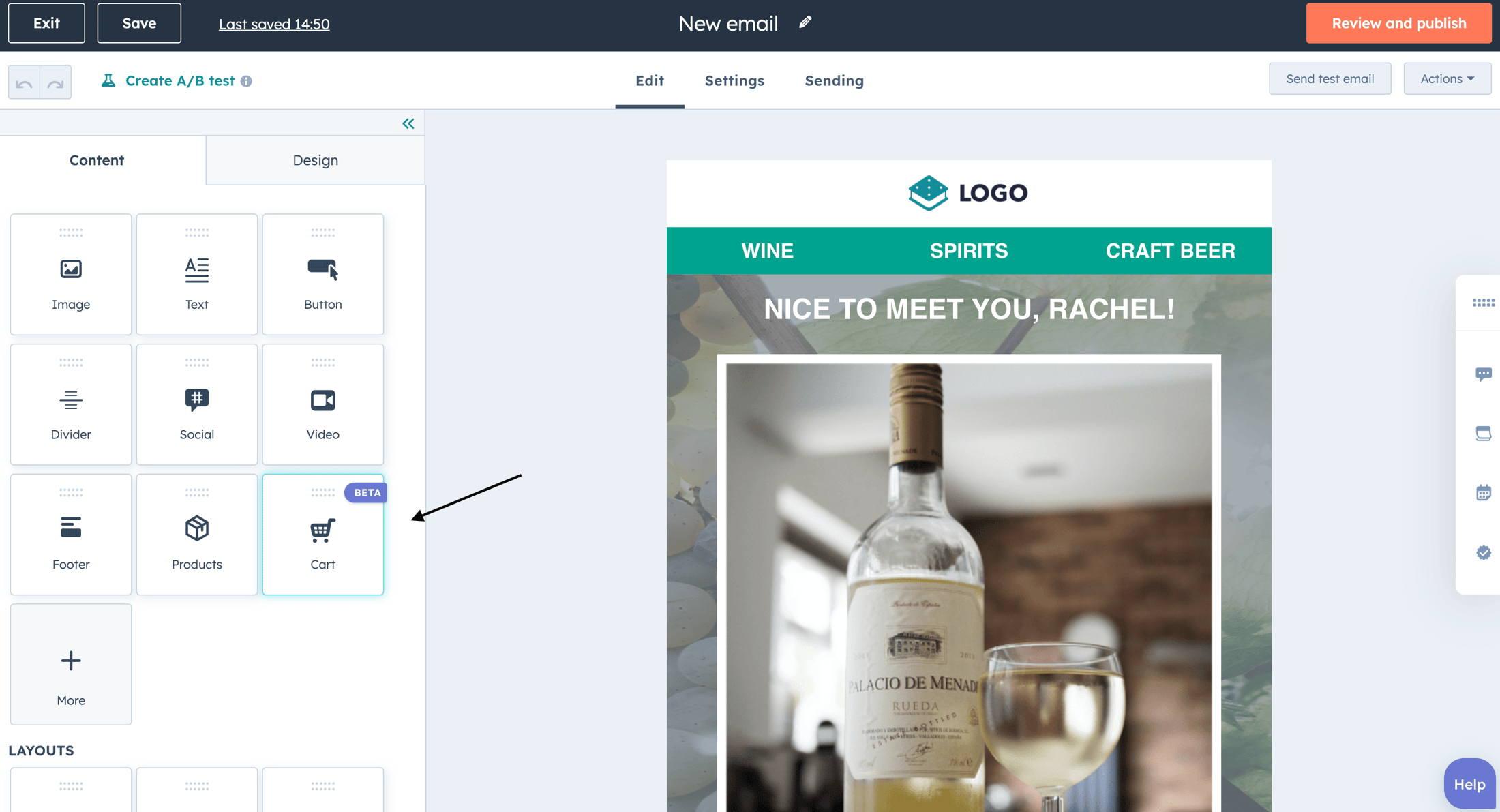
HubSpot's new Shopify Data Sync integration has improved the syncing of abandoned cart data to HubSpot. The integration ensures that contact details of customers who abandoned their Shopify cart are accurately synced to HubSpot. This new cart product can now easily be added to your marketing emails via the new 'Cart' module.
Migrating from Shopify (legacy) to the Shopify Data Sync integration
Want to make use of the previous update now? You can now migrate more easily to the new and improved Shopify integration using the in app migration wizard.
The migration wizard walks you through removing the old Shopify integration, installing the new Shopify integration and optionally migrating deal based workflows to order or cart based workflows.
If you are using the old Shopify integration, you can open this migration wizard by navigating to Settings > Integrations > Connected Apps > Shopify.
Want to know more about these betas or discover other possibilities with HubSpot? Then book a free call with Carel or get in touch with Sander!
Want to know how HubSpot can help you?