Insocial: cost per lead 50% lower with Google Ads
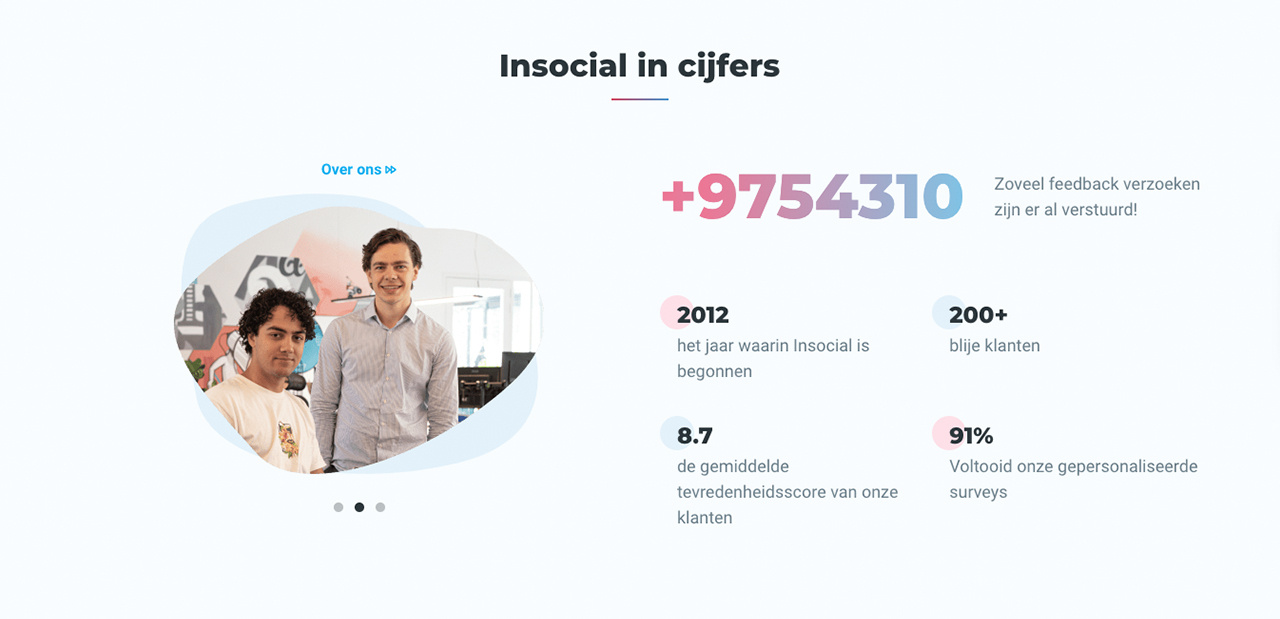
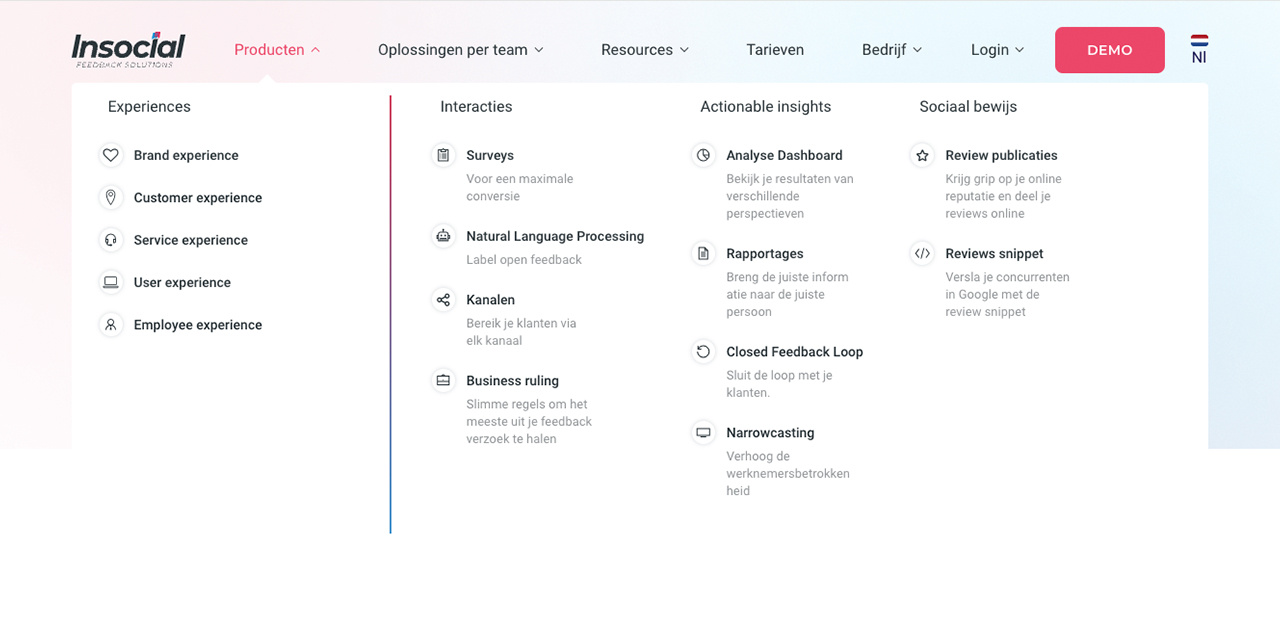
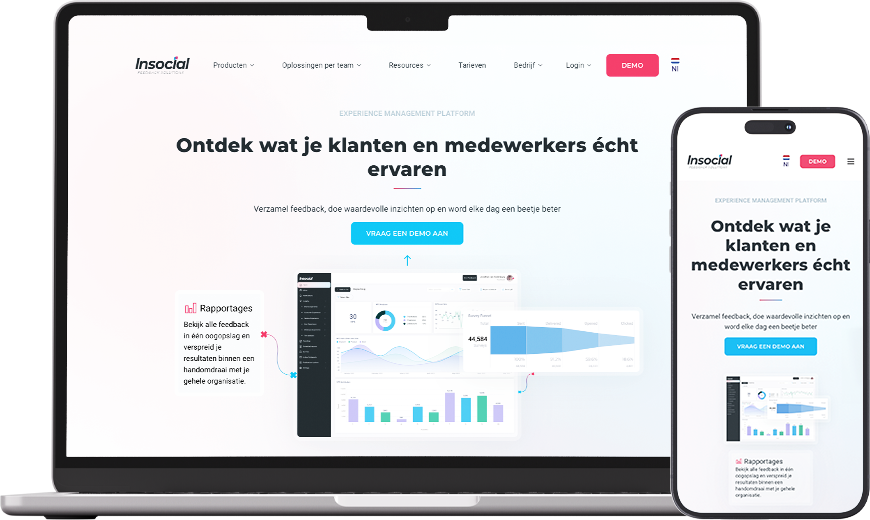
Insocial is a platform that helps organisations analyse the customer experience. Whether it concerns service, website experience or employee satisfaction, all data is collected centrally. Insocial makes areas for improvement visible and uses customer feedback for targeted improvements. It is no surprise that Insocial itself is passionate about data and uses these insights for marketing.
Digital growth as a key pillar
Digital growth is of great importance at Insocial, which led to the decision to switch from Salesforce to HubSpot. This step is intended to take marketing activities to a higher level. After onboarding and setting up the data correctly, it was important to further enrich this data while also using it to optimise campaigns.
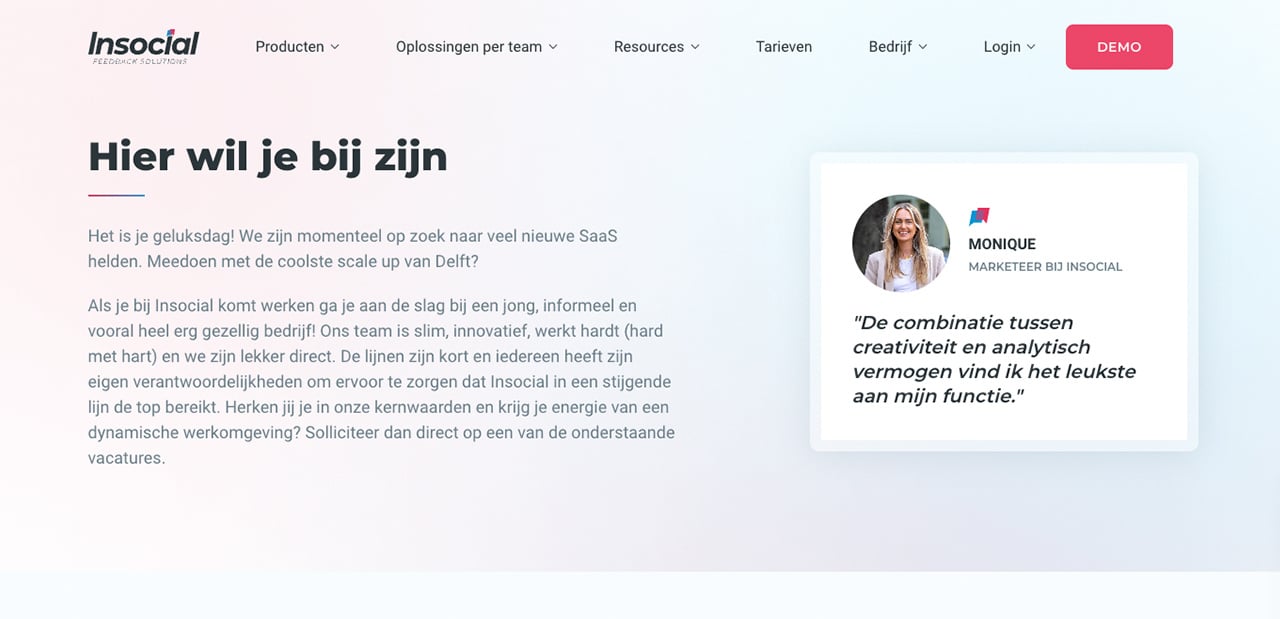
Alongside the migration from Salesforce to HubSpot, we also work together with Monique van Geest, Marketer at Insocial, to further develop the company's inbound marketing strategy. By using automations, data is enriched in real time, allowing it to be used directly for improving and optimising campaigns.
The power of HubSpot
Customer data made visible with HubSpot
With the onboarding from Salesforce to HubSpot, a large customer base was available to populate the HubSpot CRM. Making all collected data neatly visible is essential for a solid foundation. In addition, this data needs to be supplemented with new data in real time. The following HubSpot connections and components were used for this:
• HubSpot WordPress plugin
• HubSpot forms
• Outlook Calendar integration
• Google Search Console integration
• LinkedIn and Facebook connection
• Google Ads connection
Thanks to these connections and integrations, data is visible in real time within Insocial's HubSpot portal. Besides collecting data, data can also be traced accurately. With the help of HubSpot tracking, there is marketing wide insight into the results. This insight even extends down to the individual level. This makes it possible to see exactly which content has been viewed, whether there has been interaction with campaigns, which email workflows a contact is in, and more. Insights that matter for the marketing, sales and service teams alike.
By making all customer data fully visible and supplementing it with new, recent information in real time, we laid the foundation for using lifecycle stages for Insocial. Lifecycle stages are used to categorise contacts based on where they are within the marketing and sales process. Using these stages, leads are approached in the right way. A standard lifecycle stage includes the following stages:
Subscriber: A contact who has signed up for a blog or newsletter.
Lead: A contact who has converted through a form or other marketing assets.
Marketing qualified lead: A contact who has been qualified by the marketing team for the sales team.
Sales qualified lead: A contact who has been qualified by the sales team as a potential customer.
Opportunities: A contact who is associated with a deal.
Customer: A contact with at least one closed deal.
Evangelist: A customer who actively advocates for the organisation.
Other: A contact who does not fall within the stages mentioned above.
For Insocial, it was particularly important that MQLs (marketing qualified leads) and SQLs (sales qualified leads) became visible so that marketing and sales could be set up accordingly. With the help of HubSpot workflows, these lifecycle stages are automatically added to contacts. Various activities are used as triggers for these automations. The moment a specific HubSpot form is filled in, HubSpot automatically assigns the value MQL or SQL to the contact. Besides HubSpot forms, LinkedIn lead generation ads also act as a trigger for assigning a value.
Once the 'lifecycle stage' workflows are set up within HubSpot, it becomes clear exactly where a contact stands within the customer journey. This information matters for every business and can help enormously in creating a valuable customer journey.
Insocial's marketing adapts to the point where a contact is within the customer journey. For example, when a whitepaper is downloaded, there is enough interest in Insocial's product and services that this contact is likely interested in scheduling a demo with the sales team. The reverse also applies. The moment a contact requests a demo, they are already convinced of Insocial's products and services and want to explore this further together with a professional from Insocial. This contact then no longer needs a whitepaper to be informed or convinced by Insocial.
With the help of this data, work is done on the relevance of the content and adding value within a customer journey. This way, the right emails are sent automatically based on data.
Marketing optimisation: Google Ads and HubSpot hand in hand
Managing all marketing from one platform is not only efficient, it also means your data keeps getting further enriched. And this data is also valuable for the sales and service teams. HubSpot is the platform that fully embraces and enables these insights.
A connection between Google Ads and HubSpot is easy to set up and a first step towards campaign optimisation. With this connection, new leads are traced back to the campaigns they interacted with. This makes it possible to judge specific campaigns not just on purchases, but on the intermediate stages within the buying process. This provides more specific and clearer insight into where campaigns can be optimised further.
Within HubSpot marketing tools, you can manage advertisements across different platforms via 'Ads'. It is also possible to create audiences based on customer data, add events and analyse all campaigns. Using audiences and events ensures that campaigns are optimised.
Ads events are events you can create to synchronise lifecycle stages from HubSpot with the advertising networks. This allows you to optimise the linked advertisements. An important component, and one where Insocial achieves great results. When creating the events, you can choose from all lifecycle stages, and based on the amount of data available within the CRM, this delivers a huge optimisation step.
After creating the various events, they are displayed under Events in HubSpot's advertising dashboard. These events can be used for both Google and Facebook to optimise how advertisements are displayed.
Changes made to lifecycle stages within HubSpot are synchronised directly with the Google Ads account as a conversion action. The same applies to the Facebook advertising account. For each network, the following event data is encrypted and sent based on the requirements of each network:
Facebook:
• Lead ID
• Lifecycle stage
• Value
Google Ads:
• GCLID of the contact (a Google identification number)
• Lifecycle stage
• Value
By setting up HubSpot correctly and using Ads Events, we, together with Insocial, achieved a reduction in cost per lead. With 50% lower cost per lead, a huge optimisation step has been made within the Google Ads campaigns. An optimisation that drives further growth and results.
Customer data made visible with HubSpot
With the onboarding from Salesforce to HubSpot, a large customer base was available to populate the HubSpot CRM. Making all collected data neatly visible is essential for a solid foundation. In addition, this data needs to be supplemented with new data in real time. The following HubSpot connections and components were used for this:
• HubSpot WordPress plugin
• HubSpot forms
• Outlook Calendar integration
• Google Search Console integration
• LinkedIn and Facebook connection
• Google Ads connection
Thanks to these connections and integrations, data is visible in real time within Insocial's HubSpot portal. Besides collecting data, data can also be traced accurately. With the help of HubSpot tracking, there is marketing wide insight into the results. This insight even extends down to the individual level. This makes it possible to see exactly which content has been viewed, whether there has been interaction with campaigns, which email workflows a contact is in, and more. Insights that matter for the marketing, sales and service teams alike.
By making all customer data fully visible and supplementing it with new, recent information in real time, we laid the foundation for using lifecycle stages for Insocial. Lifecycle stages are used to categorise contacts based on where they are within the marketing and sales process. Using these stages, leads are approached in the right way. A standard lifecycle stage includes the following stages:
Subscriber: A contact who has signed up for a blog or newsletter.
Lead: A contact who has converted through a form or other marketing assets.
Marketing qualified lead: A contact who has been qualified by the marketing team for the sales team.
Sales qualified lead: A contact who has been qualified by the sales team as a potential customer.
Opportunities: A contact who is associated with a deal.
Customer: A contact with at least one closed deal.
Evangelist: A customer who actively advocates for the organisation.
Other: A contact who does not fall within the stages mentioned above.
For Insocial, it was particularly important that MQLs (marketing qualified leads) and SQLs (sales qualified leads) became visible so that marketing and sales could be set up accordingly. With the help of HubSpot workflows, these lifecycle stages are automatically added to contacts. Various activities are used as triggers for these automations. The moment a specific HubSpot form is filled in, HubSpot automatically assigns the value MQL or SQL to the contact. Besides HubSpot forms, LinkedIn lead generation ads also act as a trigger for assigning a value.
Once the 'lifecycle stage' workflows are set up within HubSpot, it becomes clear exactly where a contact stands within the customer journey. This information matters for every business and can help enormously in creating a valuable customer journey.
Insocial's marketing adapts to the point where a contact is within the customer journey. For example, when a whitepaper is downloaded, there is enough interest in Insocial's product and services that this contact is likely interested in scheduling a demo with the sales team. The reverse also applies. The moment a contact requests a demo, they are already convinced of Insocial's products and services and want to explore this further together with a professional from Insocial. This contact then no longer needs a whitepaper to be informed or convinced by Insocial.
With the help of this data, work is done on the relevance of the content and adding value within a customer journey. This way, the right emails are sent automatically based on data.
Marketing optimisation: Google Ads and HubSpot hand in hand
Managing all marketing from one platform is not only efficient, it also means your data keeps getting further enriched. And this data is also valuable for the sales and service teams. HubSpot is the platform that fully embraces and enables these insights.
A connection between Google Ads and HubSpot is easy to set up and a first step towards campaign optimisation. With this connection, new leads are traced back to the campaigns they interacted with. This makes it possible to judge specific campaigns not just on purchases, but on the intermediate stages within the buying process. This provides more specific and clearer insight into where campaigns can be optimised further.
Within HubSpot marketing tools, you can manage advertisements across different platforms via 'Ads'. It is also possible to create audiences based on customer data, add events and analyse all campaigns. Using audiences and events ensures that campaigns are optimised.
Ads events are events you can create to synchronise lifecycle stages from HubSpot with the advertising networks. This allows you to optimise the linked advertisements. An important component, and one where Insocial achieves great results. When creating the events, you can choose from all lifecycle stages, and based on the amount of data available within the CRM, this delivers a huge optimisation step.
After creating the various events, they are displayed under Events in HubSpot's advertising dashboard. These events can be used for both Google and Facebook to optimise how advertisements are displayed.
Changes made to lifecycle stages within HubSpot are synchronised directly with the Google Ads account as a conversion action. The same applies to the Facebook advertising account. For each network, the following event data is encrypted and sent based on the requirements of each network:
Facebook:
• Lead ID
• Lifecycle stage
• Value
Google Ads:
• GCLID of the contact (a Google identification number)
• Lifecycle stage
• Value
By setting up HubSpot correctly and using Ads Events, we, together with Insocial, achieved a reduction in cost per lead. With 50% lower cost per lead, a huge optimisation step has been made within the Google Ads campaigns. An optimisation that drives further growth and results.
Strategic Digital Growth
Investing to drive improvement
Digital experiences are gaining more and more value in today's market, where a deep understanding of customer needs and a sharp focus on market opportunities are essential for success. Understanding customers' wishes and expectations enables companies to better align their services and products with demand, leading to increased customer satisfaction and loyalty. At Insocial, digital growth is seen not only as a core pillar, but as a strategic necessity that provides a solid foundation to continuously improve marketing and take it to a higher level. This means continuous investment in innovative technologies and fostering a culture of continuous improvement. This takes into account the following elements: analysing customer data, optimising digital channels, and developing personalised marketing strategies that respond to the unique needs of the target audience.
Projects we are proud of!
Automatisch cadeaus versturen met HubSpot en Thanqs
Operational Excellence met HubSpot en ClickUp bij Frame Offices
HubSpot verbindt data, teams en systemen bij Special Cargo
Een moderne website die vertrouwen en persoonlijkheid uitstraalt
BTS Logistics navigeert naar commerciële efficiëntie
Want to know how HubSpot can help you?